

Blog

Use Glass as a Barrier:
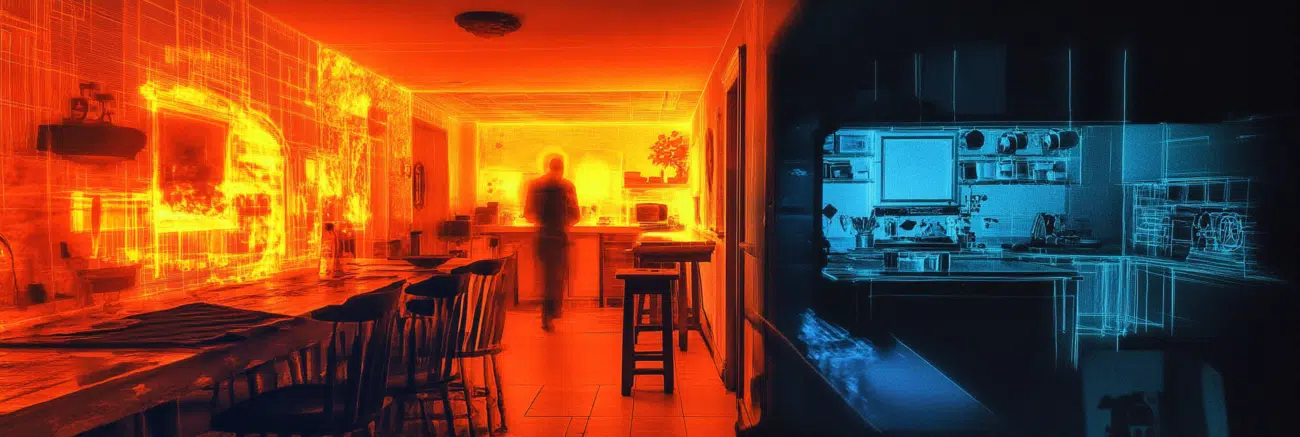
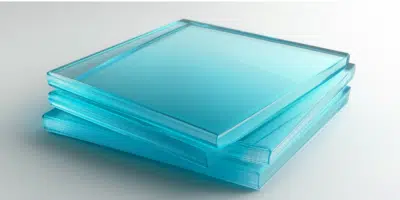
Glass can block IR radiation, so hiding behind glass can be effective. However, carrying glass is impractical, making this method less feasible.
Employ a Space Blanket:
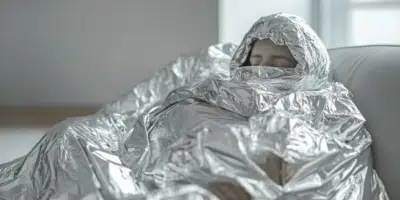
A thermal blanket made of Mylar foil can block your infrared signature. While your body heat may accumulate or escape, making you visible, a space blanket is lightweight and portable, ideal for short-term concealment.
Utilize a Woolen Blanket:
A thick woolen blanket can temporarily hide your infrared radiation by covering yourself. Wool transmits heat better than a space blanket, making it less effective but still better than no cover at all.

Blend with the Background:
Different materials radiate heat differently, creating temperature contrasts that make objects more visible. To blend in, find backgrounds with temperatures close to your body’s, such as brick walls or bare earth on sunny days. Avoid uniform backgrounds like empty parking lots or snow, which make you stand out.
Exploit Heat Sources:
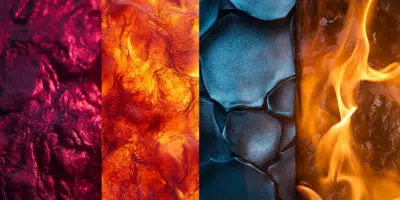
Positioning yourself near heat sources like air vents or areas with high water moisture can mask your body heat. Water moisture in the air can also help lower your contrast by holding a surprising amount of heat, so staying near water, especially in warm weather, is advisable.

Wear Warm Clothing:
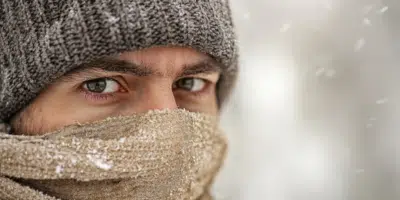
Wearing warm pants and a hat can reduce your heat signature, though openings like the neck and face will still emit heat. Covering your face with cool dirt can help, but it’s a temporary solution.
Create Multiple Heat Sources:
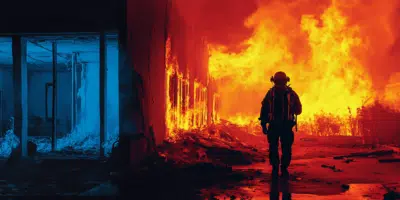
In an emergency, setting things on fire can confuse the thermal imager by creating multiple heat sources and burning particles that block the device’s view.
Use Thick Netting:
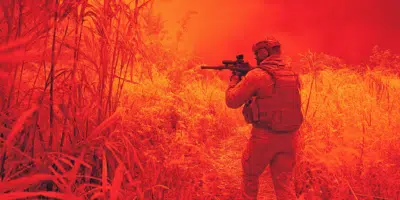
Netting materials can disperse your heat signature, making it harder for thermal IR detection.

Move Slowly:
Thermal imaging devices have difficulty tracking moving objects, so slow movements can help avoid detection.
Related posts
Digital Infrared Night Vision’s New Frontier: NV9000 Head-Mounted Night Vision Rangefinder

What is the NV9000 Head-Mounted Night Vision Rangefinder?The Usnighthawk NV9000 is a revolutionary night vision device t...
Thermal Imaging and Night Vision: Myths, Facts, and Best Practices
Thermal imaging and night vision technologies are powerful tools for hunters, wildlife observers, and security professio...

850nm vs 940nm Infrared: Smart Wavelength Switching Revolutionizes Night Vision Performance
Infrared Wavelength Showdown: Technical BreakdownTable: Core Performance Comparison
...

Unleashing the Power of Thermal Imaging: Exploring the BTI10 Helmet Thermal Imaging Goggles
Thermal imaging has transformed the way we perceive and interact with the world. Whether it's search-and-rescue missions...
Night Vision Technology Explained: Finding the Right Tool for Your Needs

Discover how thermal imaging, generational night vision, and digital night vision technologies compare for hunting, security, and tactical use. Make informed decisions about night vision gear.
Night Vision Technology Terms and Definitions
This Blog provides an in-depth explanation of key terms and abbreviations related to night vision technology. It covers ...

Digital Night Vision in Conflict Zones
WARNINGThe infrared LED on Usnighthawk devices is very visible to enemy night vision users. For this reason, using digit...
Buying Guide for Digital Infrared Night Vision Devices
When it comes to buying digital infrared night vision devices, there are several important factors to keep in mind to en...
What is Night Vision IR Lights?
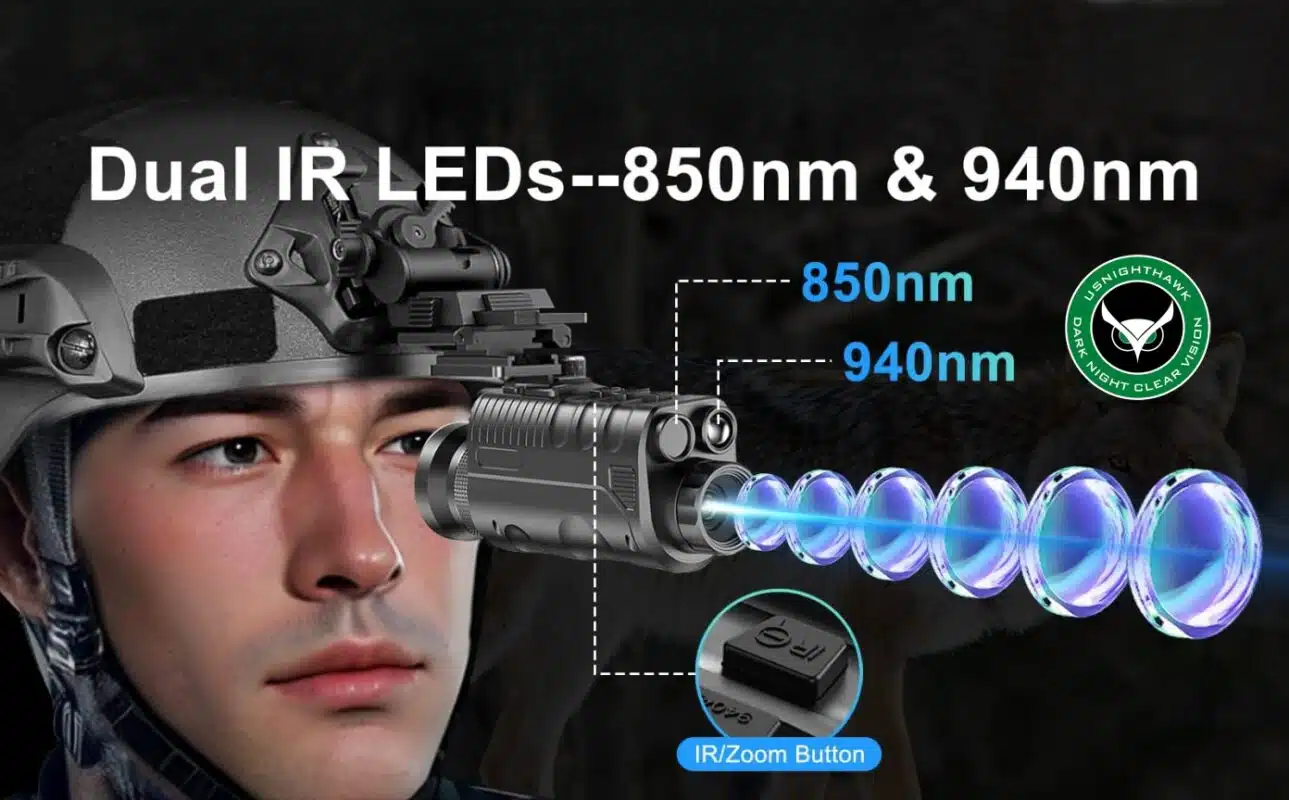
What is an Infrared Illuminator?An infrared illuminator, also known as an IR illuminator, is a device designed to emit l...
How Thermal Imaging Technology Functions?
Overview of Thermal Imaging TechnologyThermal cameras have been recognized as one of the most effective tools for detect...
How to Evade Detection by Thermal Imaging Devices?
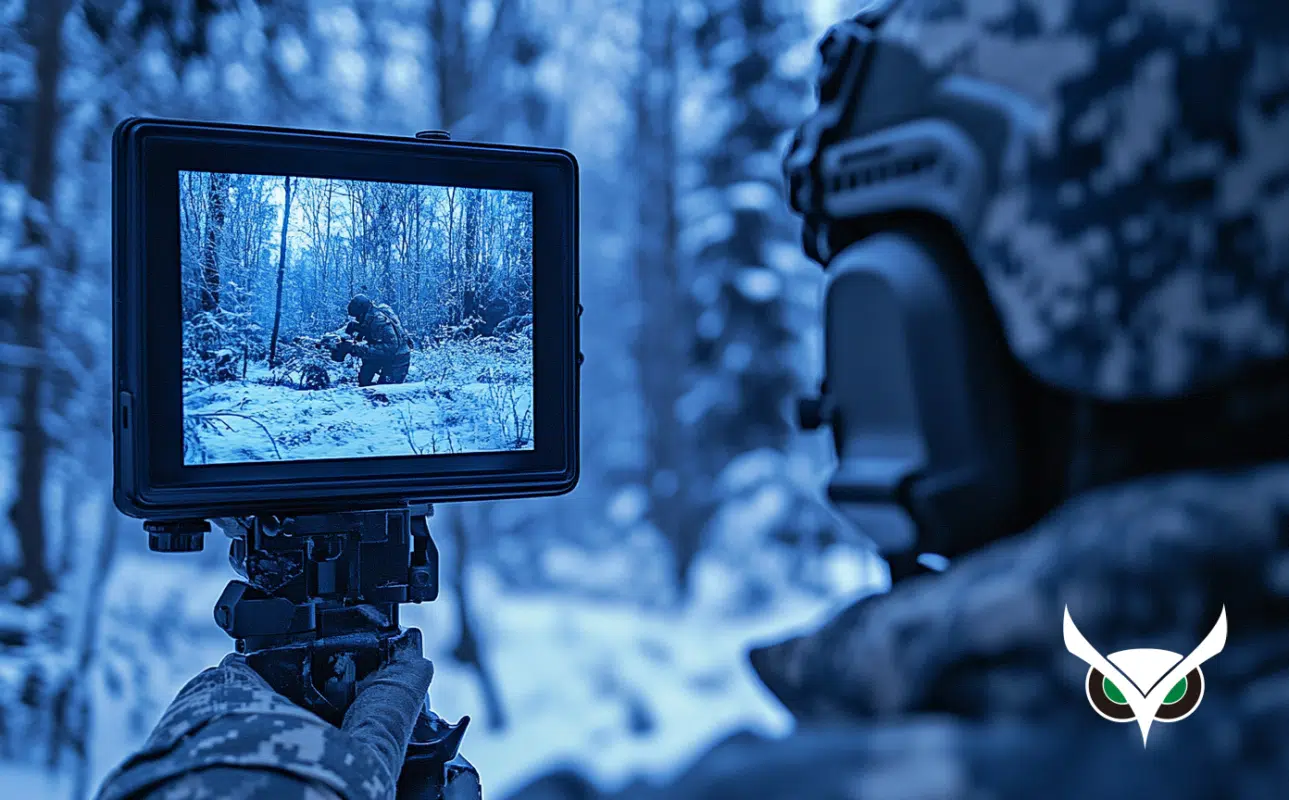
Infrared (IR) light is invisible to the human eye, consisting of electromagnetic radiation with longer wavelengths than ...
What is The Difference Between Low-light and Night Vision Binoculars?
When the light begins to fade, or during the early hours before dawn, activities such as nature observation, hunting, wi...



 English
  Español
  Deutsch
  日本語
日本語  العربية
  Português
  Français
  한국어
한국어
2 thoughts on “How to Evade Detection by Thermal Imaging Devices?”
I’m CERTAIN the guy in the adjacent apartment has such a device ; in total darkness he somehow transmits an energy source that leaves a “heat sensation” to my head & or neck area ; this is done in total darkness , which wakes me up. I can’t prove it and have called the police and spoken to the apartment manager. Other than moving, out , please provide any solutions.
Thanks for sharing—sorry you’re dealing with this. Thermal cameras don’t emit heat; they passively detect it. If you feel warmth in the dark, it’s more likely building factors (HVAC, hot water risers, warm walls, nearby appliances) or a health/sleep issue.
Quick steps:
Move your bed away from shared walls; use a headboard/insulating panel.
Temporarily shut or redirect vents; unplug nearby chargers/adapters.
Scan walls with a basic IR thermometer to find hot spots.
Keep a simple log (time, location, weather); ask maintenance to inspect during those hours.
If it persists, consult a medical professional to rule out other causes.
From our article: thermal imagers don’t project heat—they only read it.